Projects
Git
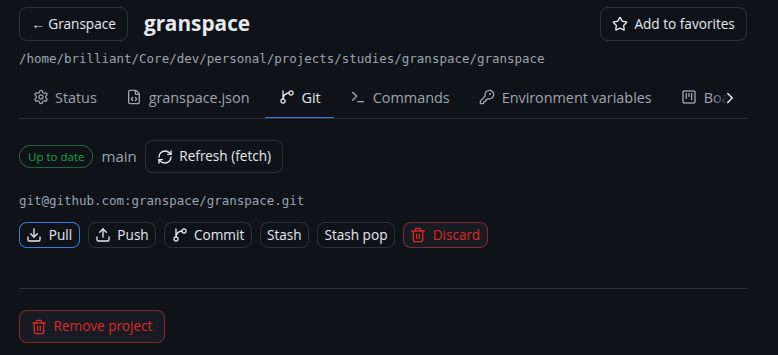
Granspace reads each project’s git status and lets you run common actions without leaving the app.
Sync state
A badge shows the repo’s state: up to date, uncommitted, unpushed (ahead), behind, diverged, or no remote. States that need attention also feed the desktop tray/badge.
Refresh (fetch)
Refresh git runs a real git fetch (network) so ahead/behind counts are
accurate, then re-reads status. The dashboard’s Refresh git does this for all
projects at once; a project’s Details → Git tab does it for one.
The detail page also auto-fetches when you open it, so the counts are fresh without clicking.
Actions
From Details → Git you can:
- Pull, Push, Commit (with an inline message), Stash / Stash pop, and Discard (with confirmation).
Open the remote
If the project has a git remote, the card’s 🔗 quick link opens the repo’s web page (GitHub/GitLab/Bitbucket URLs are derived from the remote).