
Extensions
Installing
Manage extensions from the top-bar ⋯ → Extensions menu (or, on desktop, Project → Extensions).
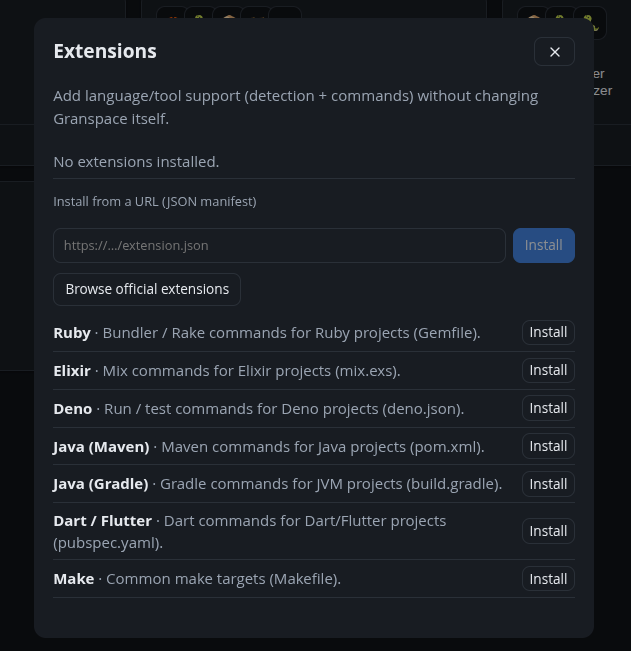
From the official registry
Click Browse official extensions to list what’s available in the registry — Ruby, Elixir, Deno, Maven, Gradle, Dart, Make and more — and install with one click.
From a URL
Paste the URL of an extension’s JSON manifest and Install. Granspace fetches it (http/https only), validates it against the schema, and stores it.
Removing
Installed extensions show in the same panel with a remove button. Built-ins can’t be removed.
After installing
New detection rules and commands apply immediately — re-run Discover to pick up projects the new extension recognizes.